
Timesheet CalculatorFree Online Tool
Fill in a simple Monday–Sunday timesheet with clock times and breaks, then see daily net hours and a weekly total.
Timesheet Calculator
Monday
0:00
Tuesday
0:00
Wednesday
0:00
Thursday
0:00
Friday
0:00
Saturday
0:00
Sunday
0:00
| On | Day | Clock in | Clock out | Break (min) | Hours |
|---|---|---|---|---|---|
| Mon | 0:00 | ||||
| Tue | 0:00 | ||||
| Wed | 0:00 | ||||
| Thu | 0:00 | ||||
| Fri | 0:00 | ||||
| Sat | 0:00 | ||||
| Sun | 0:00 |
Weekly timesheet total
Free Online Timesheet Calculator for Weekly Hours
Use this timesheet calculator to add up a full work week without spreadsheets. Enable the days you worked, enter clock-in and clock-out times, deduct breaks per day, and get a weekly hours total ready for payroll or your manager.
- Seven-day timesheet with enable/disable per day
- Clock in, clock out, and break minutes per row
- Daily net hours and running weekly total
- Overnight shifts supported on any day
How to Calculate Timesheet Hours
A timesheet calculator totals net paid hours per day, then sums them for a weekly total. Each row is clock out minus clock in minus breaks; disabled days count as zero.
Formula
Daily net = (Clock out − Clock in) − Break minutes
Weekly total = Sum of daily net hours for enabled days
- For each day you worked, calculate gross minutes from clock times.
- Subtract that day's lunch break minutes.
- Add net hours for all enabled days to get the weekly total.
Example Calculation
Monday through Friday, 9:00 AM–5:30 PM each day with a 30-minute lunch break per day.
Worked example
Daily net = 8 h 30 min − 30 min = 8 h 00 min (8.00 h)
Weekly total = 8.00 × 5 weekdays = 40.00 hours


Frequently asked questions
Related tools
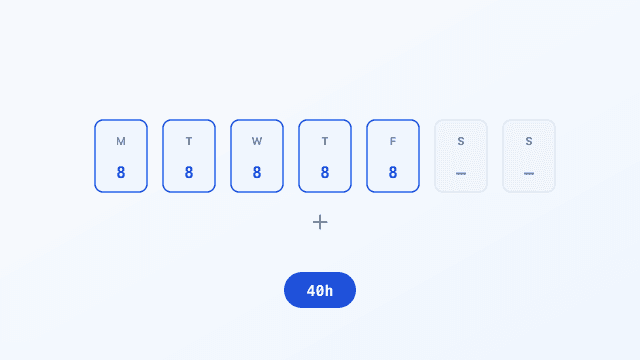
Weekly Hours
Free weekly hours calculator: enter hours worked each day (decimal or h:mm) and get a daily breakdown plus weekly total.
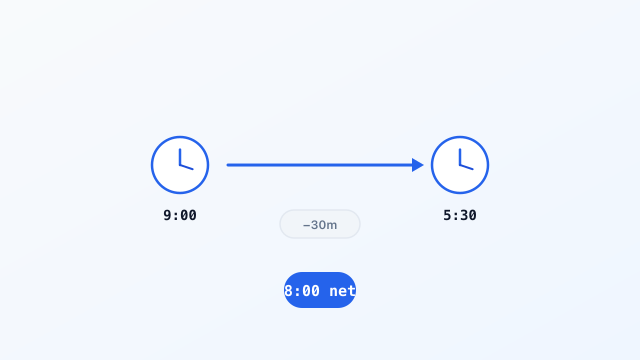
Work Hours
Free work hours calculator: enter clock in, clock out, and lunch break minutes to get gross and net paid hours in decimal and h:mm format.
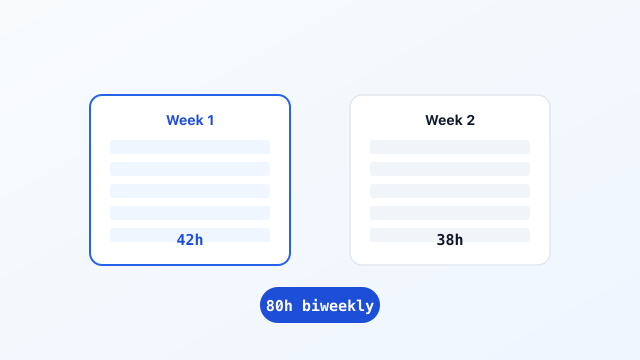
Biweekly Time Card
Free biweekly time card calculator: enter clock in, clock out, and breaks for 14 days with Week 1, Week 2, and biweekly totals.
Need a printable template? Download a free employee time card or biweekly timesheet in PDF or Excel.
Download PDFEstimate only. Not tax, legal, or payroll advice. Overtime rules, break policies, and rounding vary by employer, state, and country. Confirm totals with your payroll department before submitting a timesheet.
Need print, CSV export, custom pay periods, or advanced overtime? Use the full time card calculator on the home page.