
Free Time Card Calculatorfor Work Hours & Payroll
Enter clock in/out, deduct lunch breaks, and export payroll-ready hours — in AM/PM or 24-hour format, with optional overtime estimates.
- Free · No account
- Weekly · Bi-weekly · Custom
- Print, PDF & CSV export
Time card calculator
Jun 1, 2026 – Jun 7, 2026 · 7 days
Enter clock-in and clock-out for each checked day (AM/PM). Breaks: per day or a default in Advanced options. Uncheck a day to exclude it.
Each day appears as a card on small screens. On desktop, use the full table below (scroll horizontally if needed).
--
-- dec.
--
-- dec.
--
-- dec.
--
-- dec.
--
-- dec.
--
-- dec.
--
-- dec.
Estimate only. Not tax, legal, or payroll advice. Overtime rules, break policies, and rounding vary by employer, state, and country. Confirm totals with your payroll department before submitting a timesheet.
 Time Card Calculator
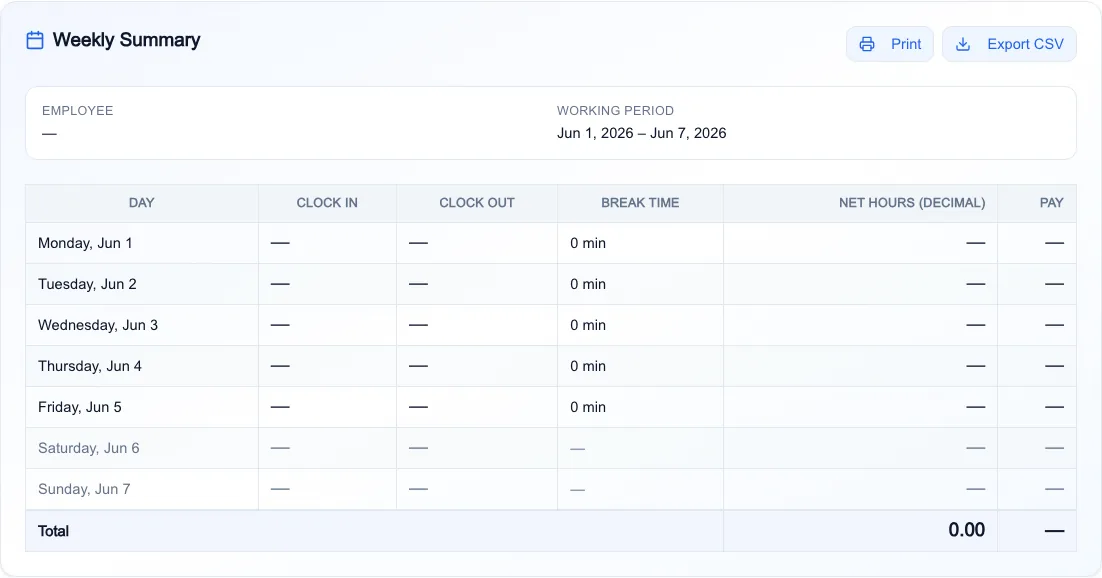
Weekly Summary
- Employee
- —
- Working period
- Jun 1, 2026 – Jun 7, 2026
| Day | Clock in | Clock out | Break time | Net hours (decimal) | Pay |
|---|---|---|---|---|---|
| Monday, Jun 1 | — | — | 0 min | — | — |
| Tuesday, Jun 2 | — | — | 0 min | — | — |
| Wednesday, Jun 3 | — | — | 0 min | — | — |
| Thursday, Jun 4 | — | — | 0 min | — | — |
| Friday, Jun 5 | — | — | 0 min | — | — |
| Saturday, Jun 6 | — | — | — | — | — |
| Sunday, Jun 7 | — | — | — | — | — |
| Total | 0.00 | — | |||
Free Online Time Card Calculator for Work Hours and Payroll
This free time card calculator turns clock-in and clock-out times into net paid hours — with lunch break deductions, per-workweek overtime estimates, and one-click print or CSV export. Choose weekly, bi-weekly, or custom pay periods (up to 31 days), enter times in AM/PM or 24-hour format, and get minute-level totals in your browser. No signup, install, or subscription.
- AM/PM or 24-hour entry — summary, print, and CSV match your format
- Break deductions per day or one default lunch break in Advanced Options
- Weekly, bi-weekly, or custom pay periods up to 31 days
- Print or CSV export for payroll — free, runs in your browser
Weekly summary table for payroll review
After you enter clock times and breaks, the calculator builds a printable weekly summary with each day's net paid hours in decimal form—the format payroll software expects. Review totals, add an employee name, then print for your supervisor or export CSV for HR.
- Daily clock in, clock out, break, and net hours per row
- Period total in decimal hours (e.g. 42.50)
- Print or CSV export from the same summary panel
How overnight shifts work
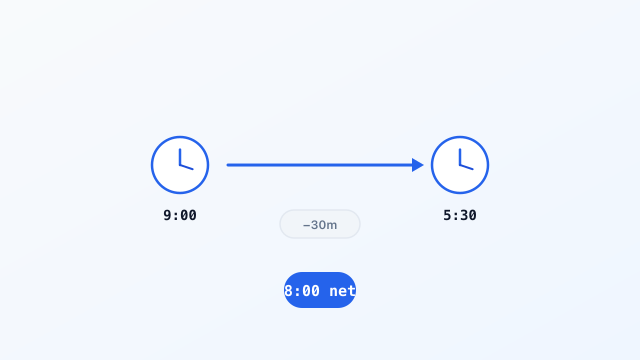
Clock in at 10:00 PM and out at 6:00 AM? The calculator detects cross-midnight shifts and totals net paid hours without manual date fixes.
- Works in AM/PM and 24-hour entry modes
- Break minutes deducted after gross duration
- Colon (8:30) and decimal (8.5h) display per row
Example overnight shift
How overtime is calculated
Enable Advanced Options to apply a threshold (default 40 hours) and multiplier per consecutive 7-day block from your period start date. Bi-weekly cards use two independent thresholds — not one combined total for all 14 days.
- Weekly, bi-weekly, and custom ranges supported
- Align start date with your employer's workweek
- Hourly rate drives gross pay estimates in real time
14-day bi-weekly example
Workweek 1
42h
2h OT at 1.5×
Workweek 2
38h
No overtime
Custom 10-day ranges span two blocks the same way — days 1–7 and 8–10 each get their own threshold.
Why not a spreadsheet?
Three tasks that are easy to get wrong in manual sheets — handled automatically here.
| You need | Manual spreadsheet | This calculator |
|---|---|---|
| Overnight shifts | Manual date adjustment | Calculated correctly |
| Bi-weekly overtime | Easy to merge workweeks | Separate 7-day blocks |
| Break & overtime math | Error-prone spreadsheets | Minute-level, automatic |
Frequently asked questions
Formats, breaks, pay periods, overtime blocks, and accuracy.
Download PDF Time Card Templates
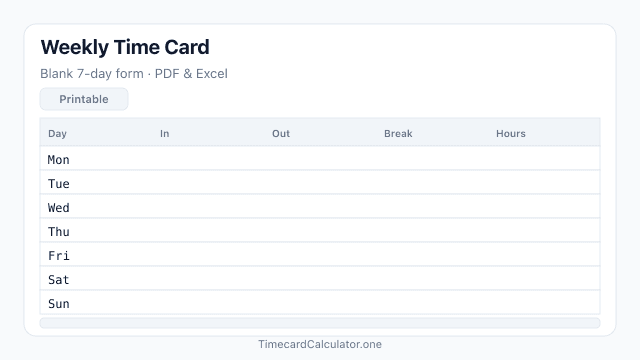
Need a blank form instead of the online calculator? Download free employee time sheet templates as PDF or Excel — print-ready on A4. Browse all templates.
More time calculators
Focused calculators for work hours, overtime, and weekly totals — free in your browser. For print, CSV, and custom pay periods, use the full calculator above.
 Free
FreeFree work hours calculator: enter clock in, clock out, and lunch break minutes to get gross and net paid hours in decimal and h:mm format.
Open calculator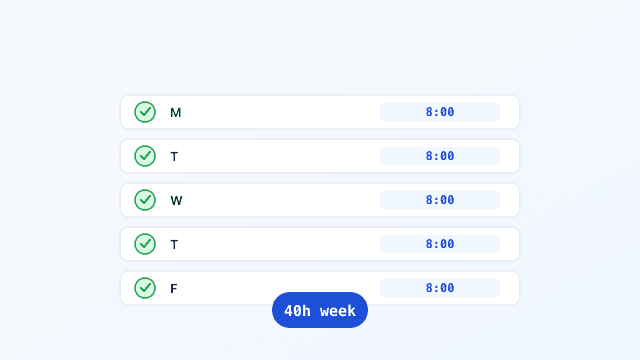 Free
FreeFree timesheet calculator for a weekly schedule: enter clock in, clock out, and breaks for each day and get daily and weekly hour totals.
Open calculator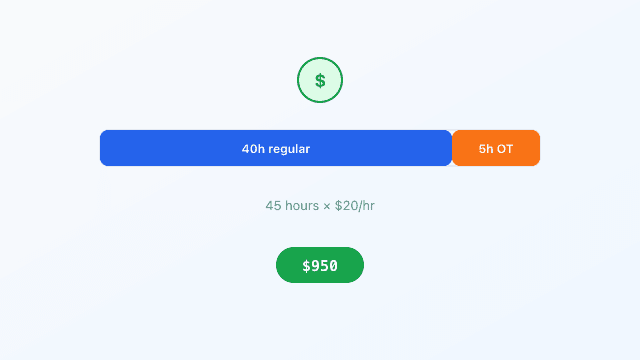 Free
FreeFree overtime calculator: enter total hours worked, hourly rate, OT threshold, and multiplier to estimate regular pay, overtime pay, and gross pay.
Open calculator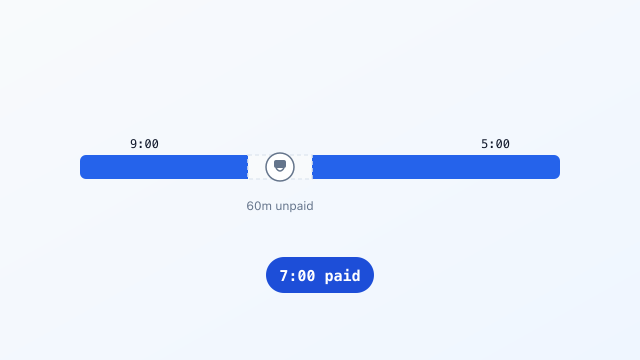 Free
FreeFree break time calculator: enter shift start, shift end, and lunch break minutes to see shift length, break deducted, and paid time remaining.
Open calculator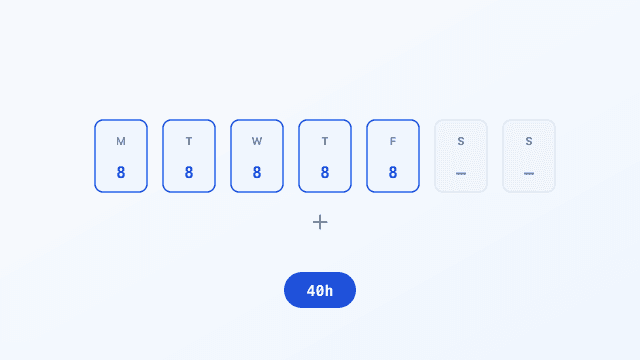 Free
FreeFree weekly hours calculator: enter hours worked each day (decimal or h:mm) and get a daily breakdown plus weekly total.
Open calculator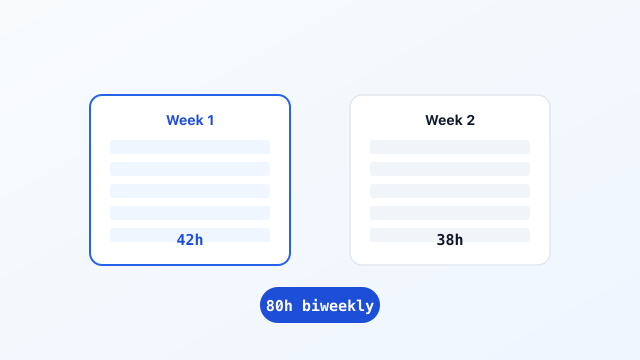 Free
FreeFree biweekly time card calculator: enter clock in, clock out, and breaks for 14 days with Week 1, Week 2, and biweekly totals.
Open calculator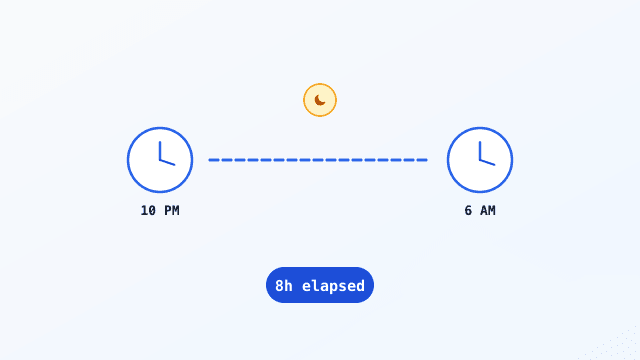 Free
FreeFree time duration calculator: enter start and end times to get elapsed hours and minutes, with support for overnight and next-day end times.
Open calculator
Time card calculator guides
Step-by-step articles for filling out timesheets, exporting payroll files, and handling special schedules.
 Free Guide6 min read
How to Fill Out a Time Card Before Submitting to Payroll
A step-by-step guide to recording clock times, deducting breaks, and double-checking totals before you hand your time card to payroll.
Read guide Free Guide6 min read
Print or Export Time Cards to CSV for Payroll (Free Guide)
When to print, download PDF, or export CSV, what payroll-ready columns look like, and how to export from our free calculator.
Read guide Free Guide6 min read
How to Calculate Overnight Shift Hours (Crossing Midnight)
Why overnight shifts confuse manual math, the +24-hour formula, and how to log night shifts on a time card without errors.
Read guide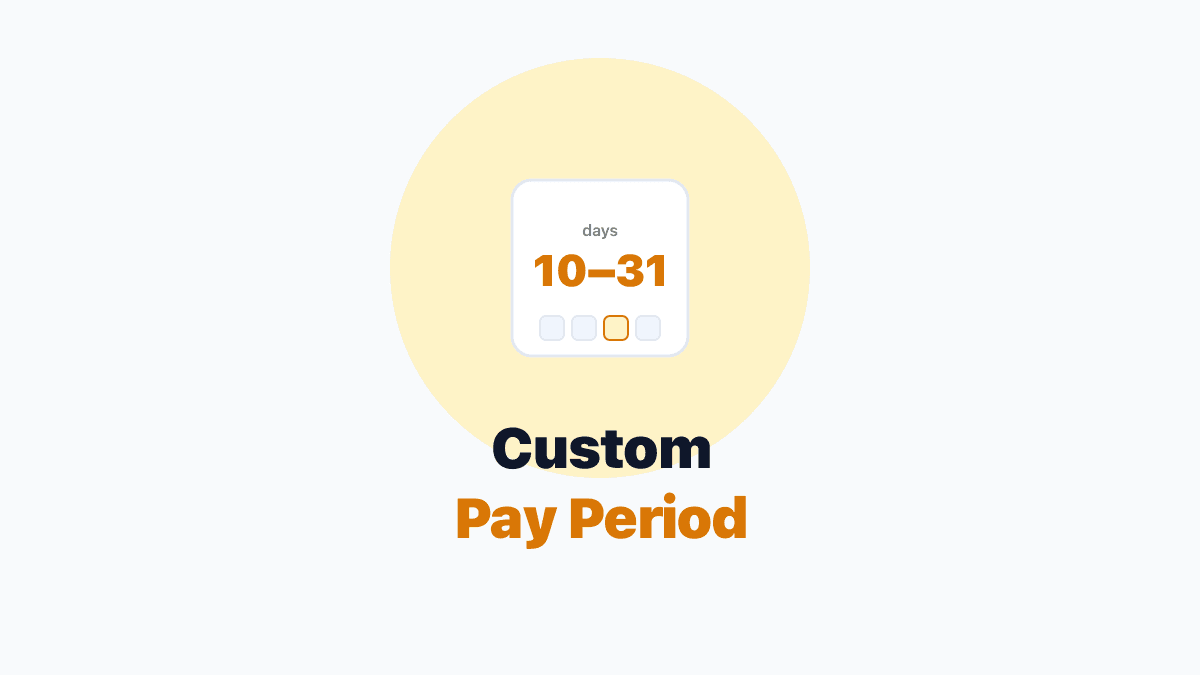 Free Guide6 min read
Custom Pay Period Time Cards: Track 10–31 Days Without Errors
When weekly or bi-weekly modes do not fit your payroll cycle—and how Custom mode splits overtime across 7-day workweek blocks.
Read guide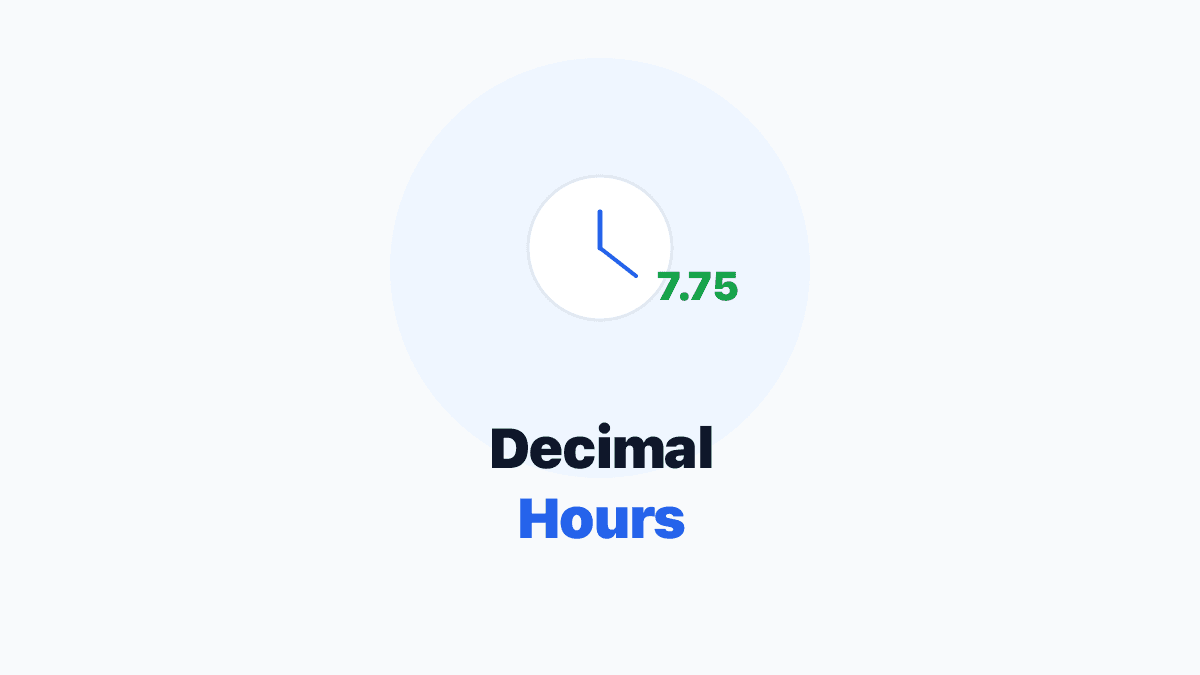 Free Guide6 min read
Convert Clock Time to Decimal Hours for Payroll (Chart + Formula)
Why payroll wants 7.75 instead of 7:45, the divide-by-60 formula, and how to avoid the most common conversion error on your time card.
Read guide Free Guide6 min read
Time Card Overtime Calculator: Weekly OT Thresholds Explained
Why bi-weekly OT is not total hours minus 80, how to set threshold and multiplier, and how to align your workweek start with payroll.
Read guide