
Updated June 3, 2026 · 6 min read
Time Card Overtime Calculator: Weekly OT Thresholds Explained
Use a time card overtime calculator to split hours into 7-day workweek blocks, apply a 40-hour threshold per block, and estimate gross pay with a 1.5× multiplier—free, in your browser.
Weekly overtime on a time card is not always "total hours minus 40"—especially on bi-weekly or custom pay periods where two separate workweeks each get their own threshold. A time card overtime calculator splits hours into 7-day blocks, applies your threshold per block, and estimates gross pay with a multiplier. This guide explains how weekly OT works, walks through examples, and shows how to configure overtime in our dedicated overtime calculator and the free time card calculator on the home page.

How weekly overtime works on a time card
Under the standard Fair Labor Standards Act (FLSA) framework, non-exempt employees earn overtime for hours worked beyond 40 in a fixed workweek—a recurring 168-hour block your employer defines (often Sunday–Saturday or Monday–Sunday). Overtime is typically paid at 1.5× the regular rate for those excess hours. Some states add daily overtime rules; this calculator models per-workweek thresholds only—confirm final OT with payroll for your location.
On your time card, paid hours count toward the threshold—after lunch breaks are deducted. If you worked 8.5 hours per day for five days, that is 42.5 paid hours in the week: 40 regular + 2.5 overtime at 1.5× (when using the default multiplier).
Enable overtime in the calculator
On the overtime calculator, enter total hours worked, hourly rate, threshold, and multiplier for a quick pay estimate. On the home page time card, open Advanced Options: enter your hourly rate, set the overtime threshold (default 40 hours per 7-day block), and choose an overtime multiplier (default 1.5). The summary table then shows estimated regular hours, overtime hours, and gross pay for the period.
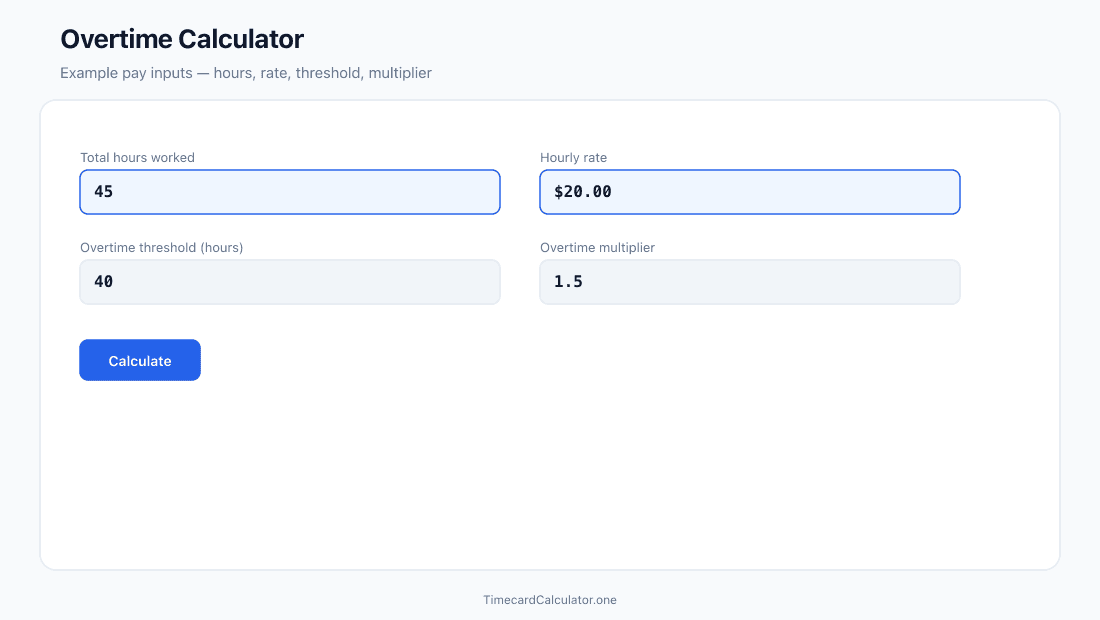
Pay and OT figures are estimates for verification before you submit a timesheet—they do not replace your employer's official payroll system. Rounding rules, shift differentials, and state daily OT may change the final numbers.
Weekly mode example
One 7-day card, period starts Monday, threshold 40 hours:
- Mon–Thu: 9.0 paid hours each → 36.0 hours
- Fri: 10.0 paid hours → 46.0 hours for the week
- Regular: 40.0 h · Overtime: 6.0 h
At $20/hour and 1.5× OT: regular pay $800 + OT pay $180 = $980 estimated gross for the week. The calculator displays these splits in the summary without manual subtraction.
Bi-weekly: two 7-day blocks, not one 80-hour bucket
A common mistake on a 14-day time card is treating 80 hours as the OT line (total minus 80). Most employers still apply a 40-hour threshold per workweek, not per pay period. Bi-weekly mode in our calculator evaluates days 1–7 and days 8–14 as separate blocks, each with its own 40-hour threshold. The biweekly time card calculator shows Week 1, Week 2, and biweekly totals with the same per-week OT logic.

Example: Week 1 totals 42 hours (2 OT), Week 2 totals 38 hours (0 OT). Period OT = 2 hours—not 0 (80 − 80) and not 0 (80 total − 40). The same 7-day block logic applies in Custom pay period mode for ranges longer than seven days.
Align your period start date
Overtime blocks begin on the period start date you pick. If HR's official workweek starts Sunday but your card starts Wednesday, OT totals may not match payroll even when daily hours are correct. Ask which day begins the company workweek and set that as your period start in Weekly, Bi-weekly, or Custom mode.
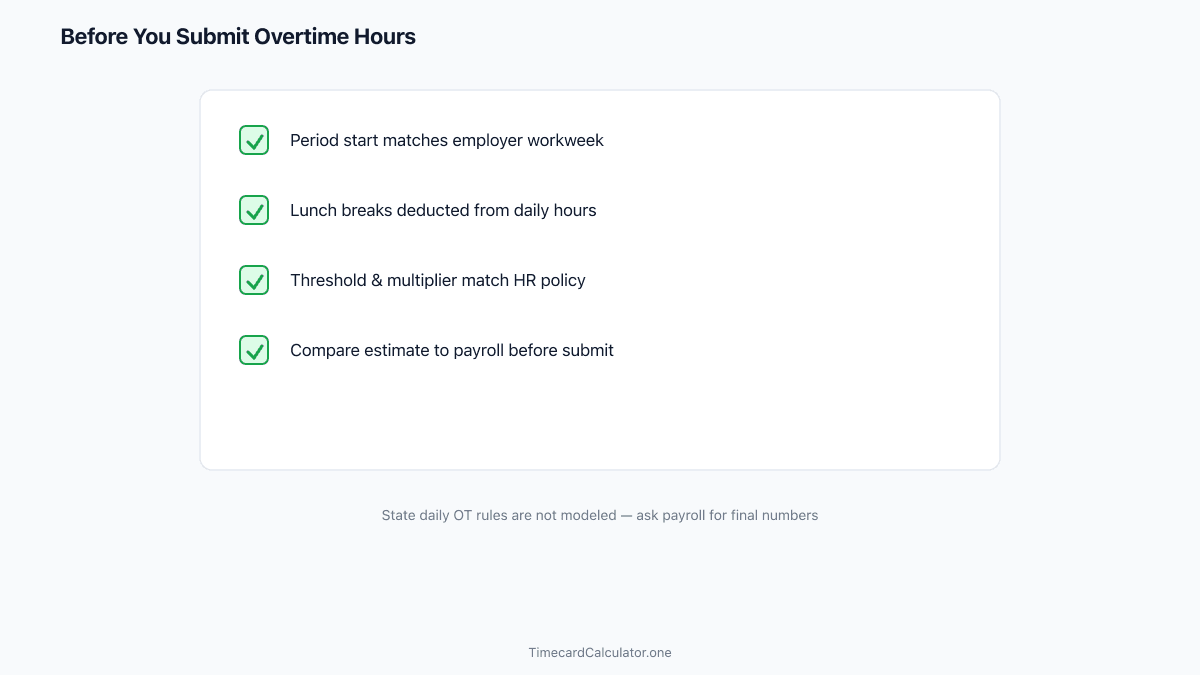
Verify before you submit
Use the calculator to double-check daily net hours first—see our guide on how to fill out a time card. Then enable overtime options and compare estimated OT to what you expect from your schedule. For night shifts, confirm cross-midnight rows are correct using the overnight shift guide. Print the summary for your supervisor or export CSV if payroll wants decimal hours in a file.
Need a printable template? Download a free employee time card or biweekly timesheet in PDF or Excel.
Download PDFEstimate weekly overtime in seconds
Set your rate, threshold, and multiplier—see regular vs OT hours per workweek block before payroll.
FAQ
Does the calculator handle daily overtime (e.g., over 8 hours in one day)?
No. It applies a per-workweek hour threshold only. California and some other states require daily OT after 8 or 12 hours. Your payroll department calculates those rules—use this tool for weekly-threshold estimates and timesheet verification.
What overtime multiplier should I use?
1.5× is standard for FLSA overtime. Some contracts use 2.0× for holidays or double-time shifts—enter the multiplier your employer specifies in Advanced Options.
Are overtime hours included in CSV export?
The CSV includes daily paid hours and summary totals. When Advanced Options are enabled, gross pay reflects regular and OT estimates based on your threshold and multiplier. Confirm final OT with payroll before relying on the export for official processing.
Estimate only. Not tax, legal, or payroll advice. Overtime rules, break policies, and rounding vary by employer, state, and country. Confirm totals with your payroll department before submitting a timesheet.
Related guides
 Free Guide6 min read
Custom Pay Period Time Cards: Track 10–31 Days Without Errors
When weekly or bi-weekly modes do not fit your payroll cycle—and how Custom mode splits overtime across 7-day workweek blocks.
 Free Guide6 min read
How to Fill Out a Time Card Before Submitting to Payroll
A step-by-step guide to recording clock times, deducting breaks, and double-checking totals before you hand your time card to payroll.
 Free Guide6 min read
Convert Clock Time to Decimal Hours for Payroll (Chart + Formula)
Why payroll wants 7.75 instead of 7:45, the divide-by-60 formula, and how to avoid the most common conversion error on your time card.